

Step 1
Upload Your Picture
Start with a clear, front-facing photo in good lighting. A better photo helps the AI hair color preview look more realistic in the hair color changer.
Preview AI hair color before you dye. Picoo AI Hair Color Changer is a realistic hair color changer for trying blonde, brunette, black, red, highlights, balayage, and bold AI hair color with your own photo.
Start with a clear, front-facing photo in good lighting. A better photo helps the AI hair color preview look more realistic in the hair color changer.
Type what AI hair color you want in natural language. Mention shade and tone (warm/cool), and add details like highlights, balayage, or ombré so the AI Hair Color Changer can match your target look.
In seconds, get a realistic AI hair color preview. Save your favorites, share them for feedback, or iterate with the hair color changer until it’s perfect.
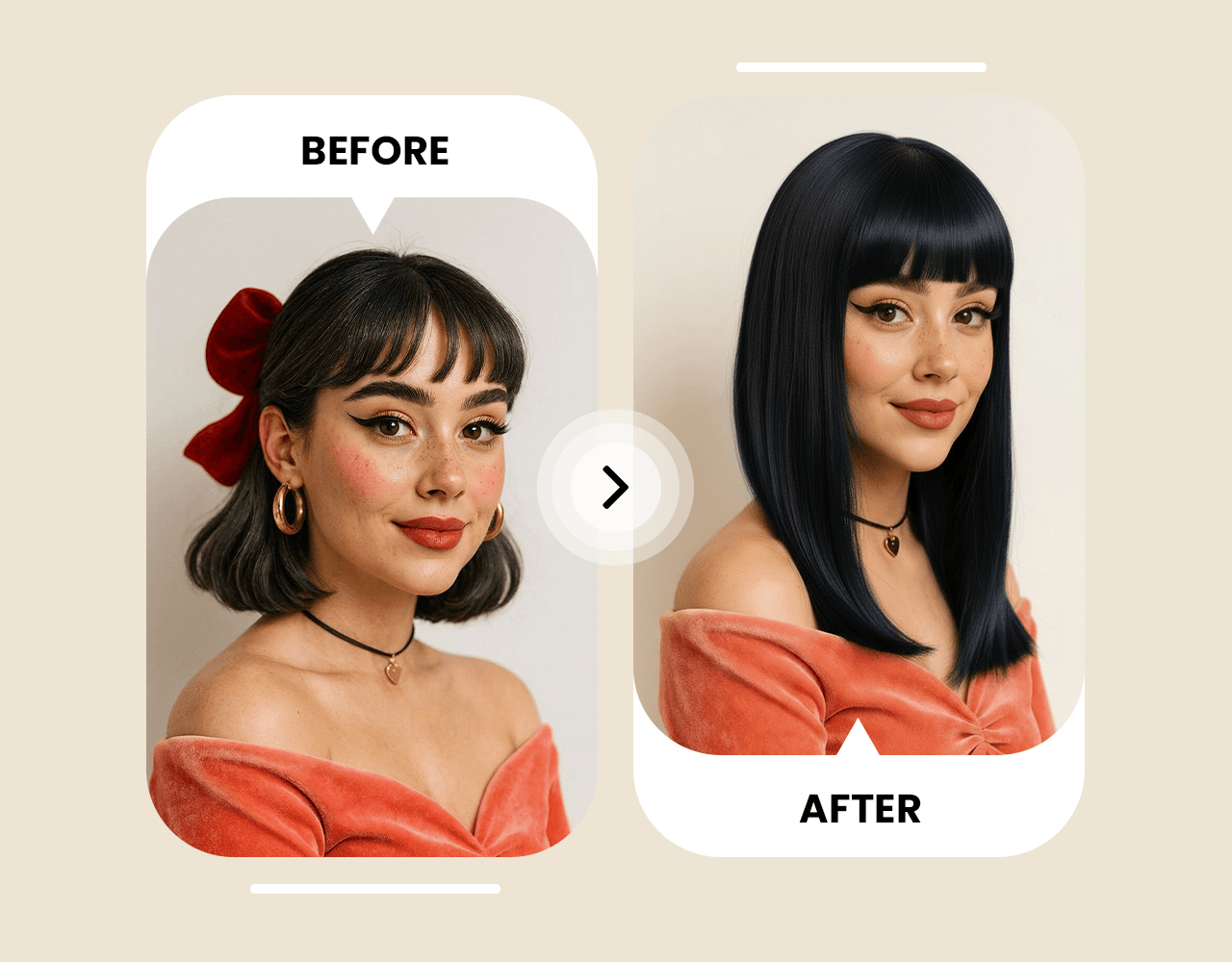
Picoo AI Hair Color Changer preserves your face and hair texture while applying AI hair color that looks natural. This hair color changer balances lighting and undertones to keep your AI hair color preview consistent with your photo.
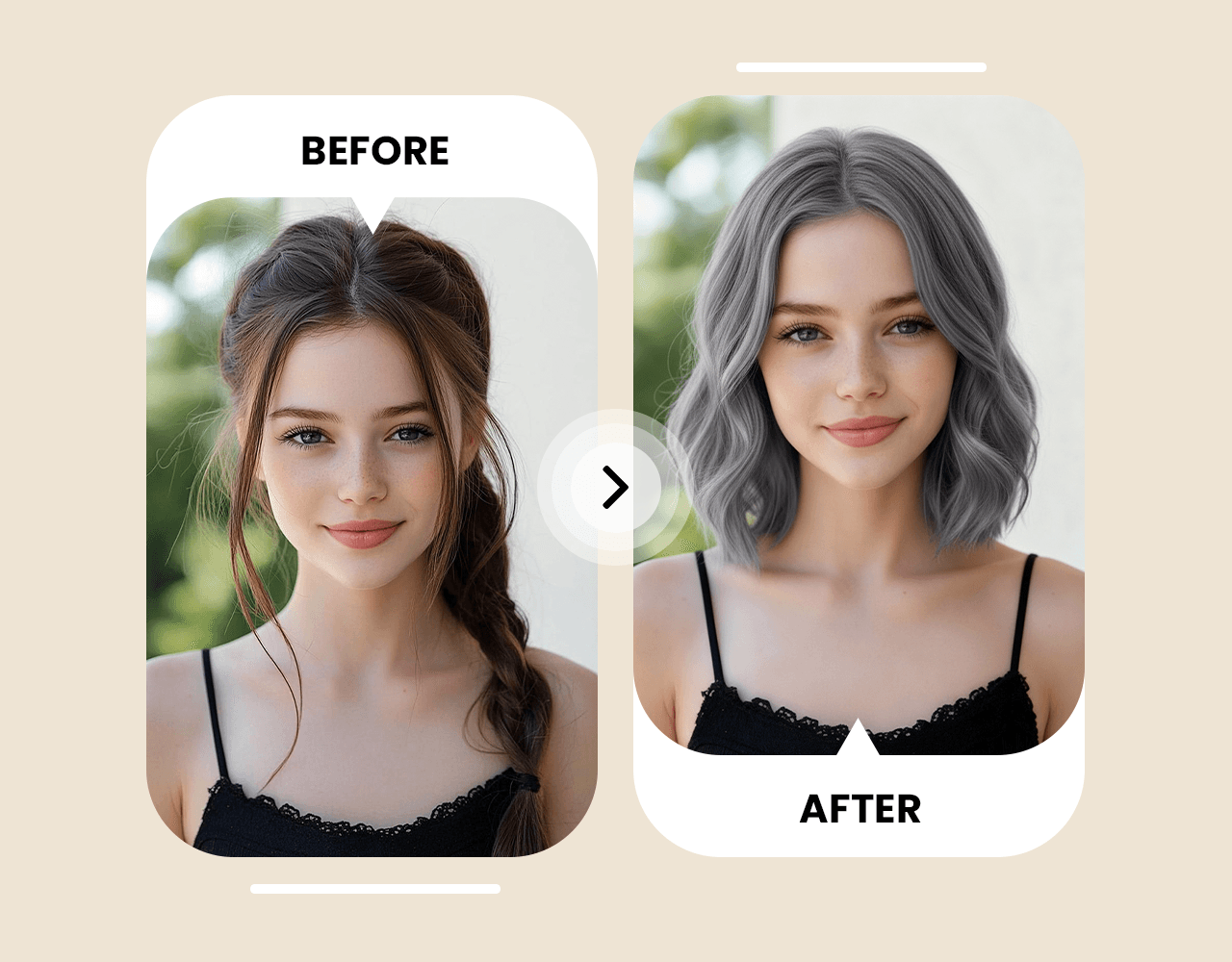
Try AI hair color from black, brown, and blonde to vivid red, pink, or silver. This hair color changer supports highlights, balayage, and subtle tone shifts—so you can preview AI hair color without committing first.
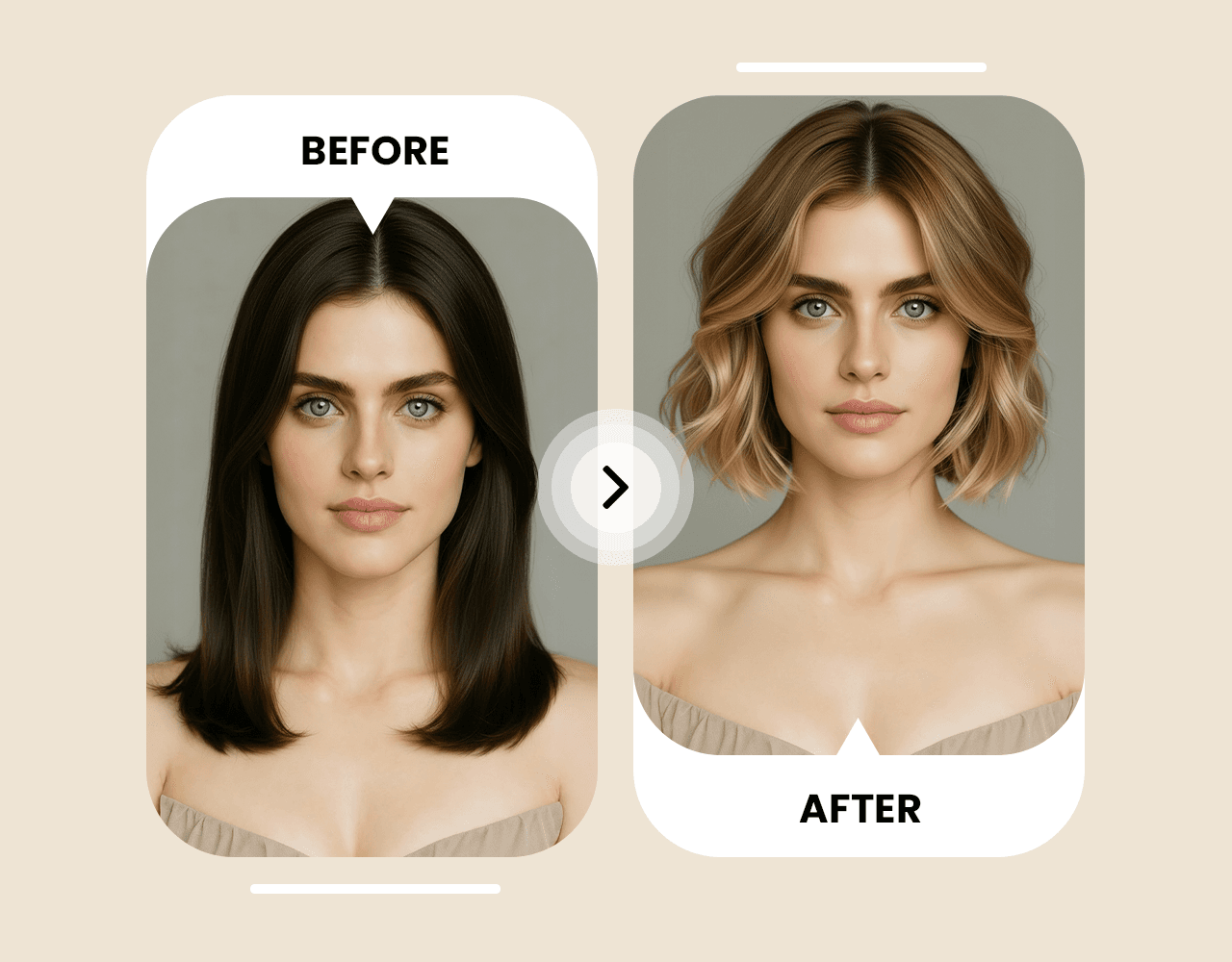
Write better prompts for the AI Hair Color Changer: specify tone and finish (ash vs. warm, glossy vs. matte), and add technique (highlights/balayage/ombré). Small details help the hair color changer generate a better AI hair color preview.
Testimonials
“I tried copper, ash brown, and platinum in minutes. The results look realistic and helped me pick the shade that actually matches my skin tone.”
“Way better than generic filters. I previewed subtle balayage and highlights before booking my salon appointment.”
“I was nervous about going darker. Seeing the preview first made it easy to decide, and my friends helped me vote on the best color.”
“Perfect for experimenting: vivid red, pastel pink, or natural black—everything looks consistent with my original photo.”
Curated community examples that show prompt structure and key parameters for realistic hair color previews.
Change my hair color to natural copper. Keep my facial features and hairstyle the same, photorealistic lighting, subtle shine, no artifacts.
Apply ash brown hair color with soft highlights. Preserve my original hair texture and keep the result realistic and natural.
Try platinum blonde with a clean tone (no yellow). Keep my face and hairstyle unchanged, high realism, studio lighting.
Change my hair to vivid red with slight gradient at the tips. Maintain natural strands and shadows, realistic finish.
You can try it for free. Some advanced generations and downloads may require credits depending on your plan.
Use a clear, front-facing image with good lighting and minimal blur. Avoid heavy filters for the most realistic AI hair color preview in the hair color changer.
Yes. Mention highlights, balayage, ombré, placement, and tone so the AI Hair Color Changer can generate a better AI hair color preview.
Most previews are ready in seconds, depending on image size and current server load.
The AI Hair Color Changer aims to preserve your original hairstyle, hair texture, and facial features while changing only the AI hair color.
Yes—download your favorite results and share them with friends or bring them to your stylist.
For this hair color changer, describe AI hair color as shade + tone + technique. Example: "cool ash brown with subtle face-framing highlights" or "platinum blonde, neutral tone, no yellow" for a cleaner AI hair color preview.
Yes. Include the exact color and finish (e.g., vivid red, pastel pink, deep blue) and ask for a photorealistic result so the AI Hair Color Changer can produce a realistic AI hair color preview.