

第 1 步
上传你的照片
建议使用清晰、正脸、光线充足的照片。图片质量越好,发色预览越自然准确。
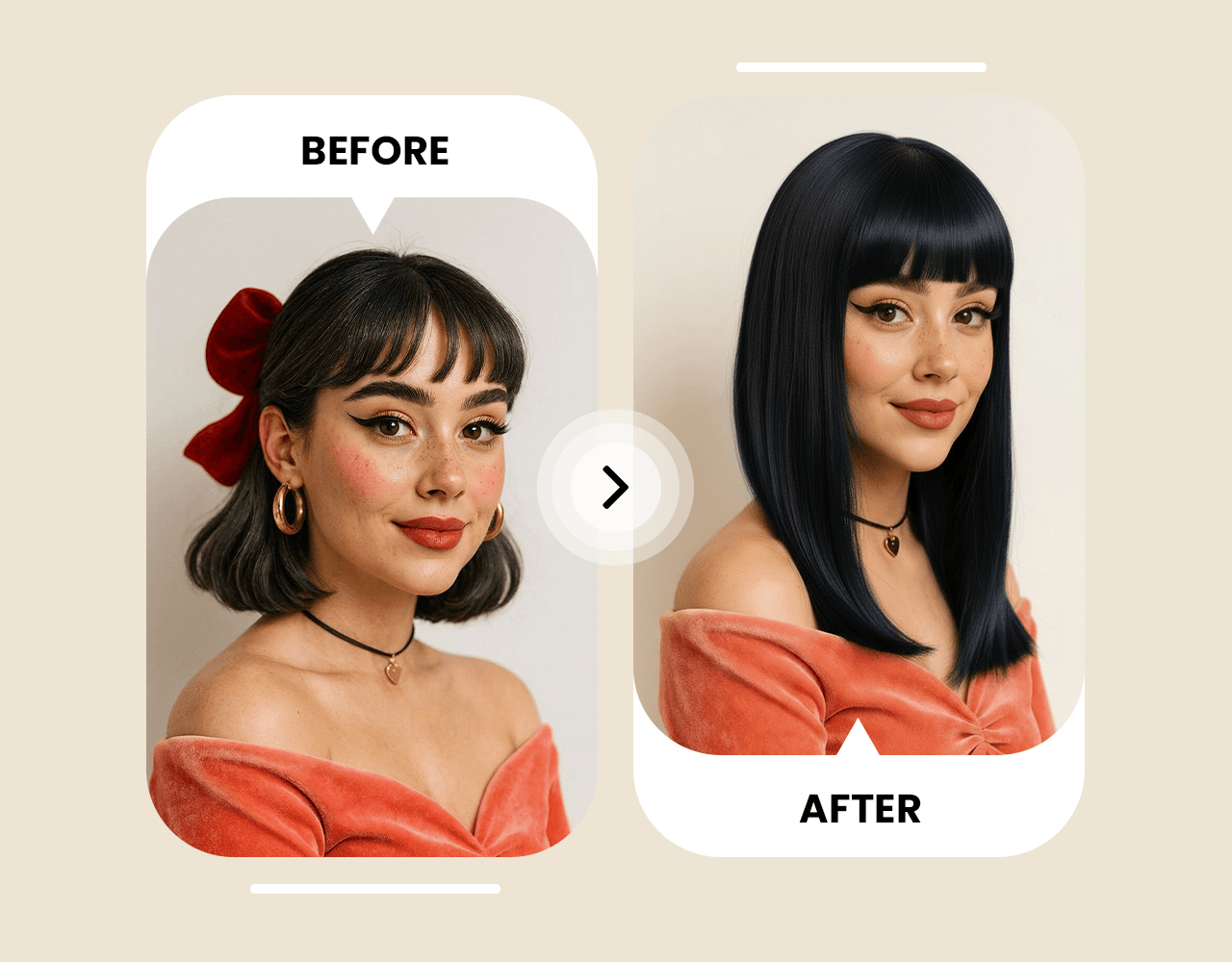
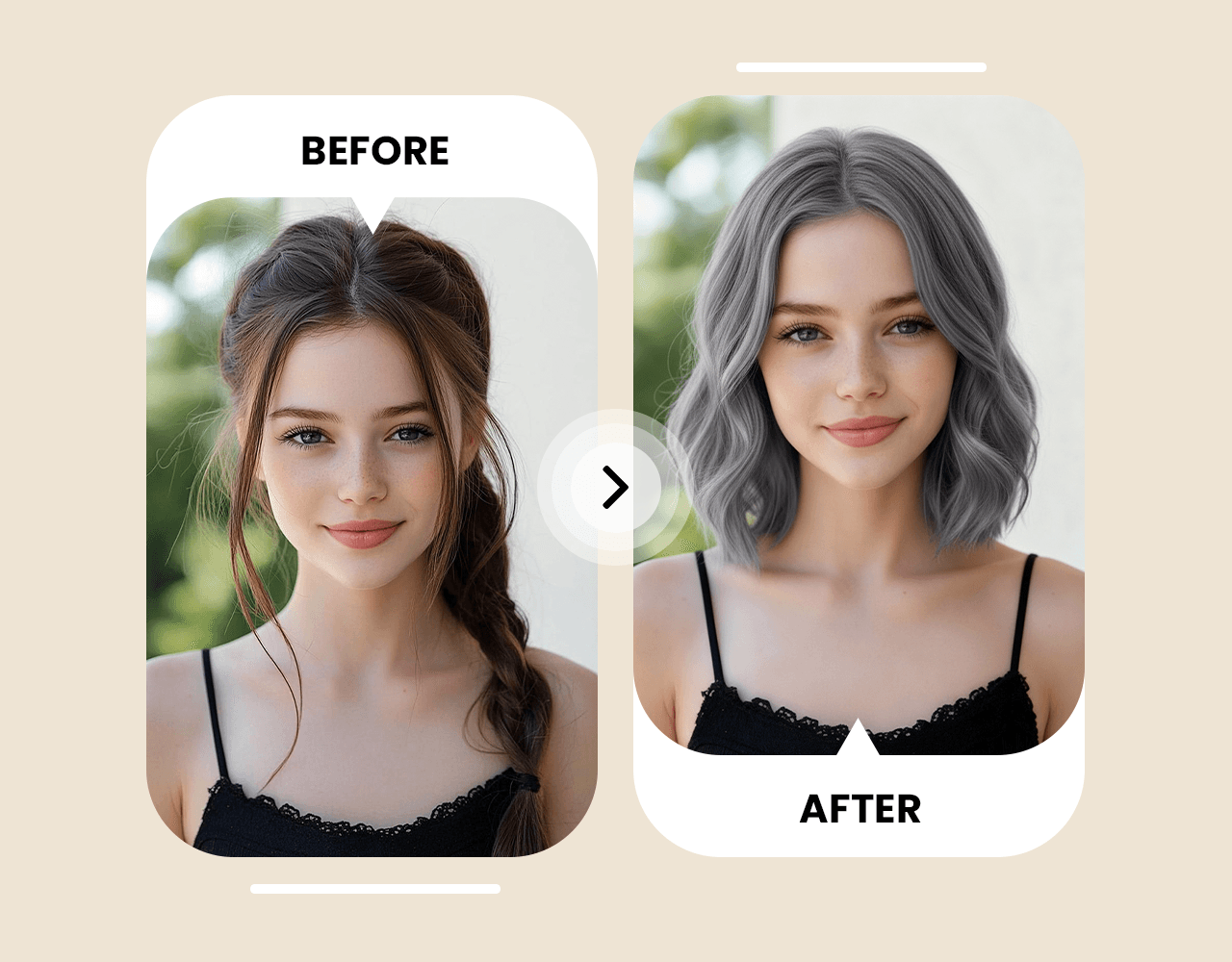
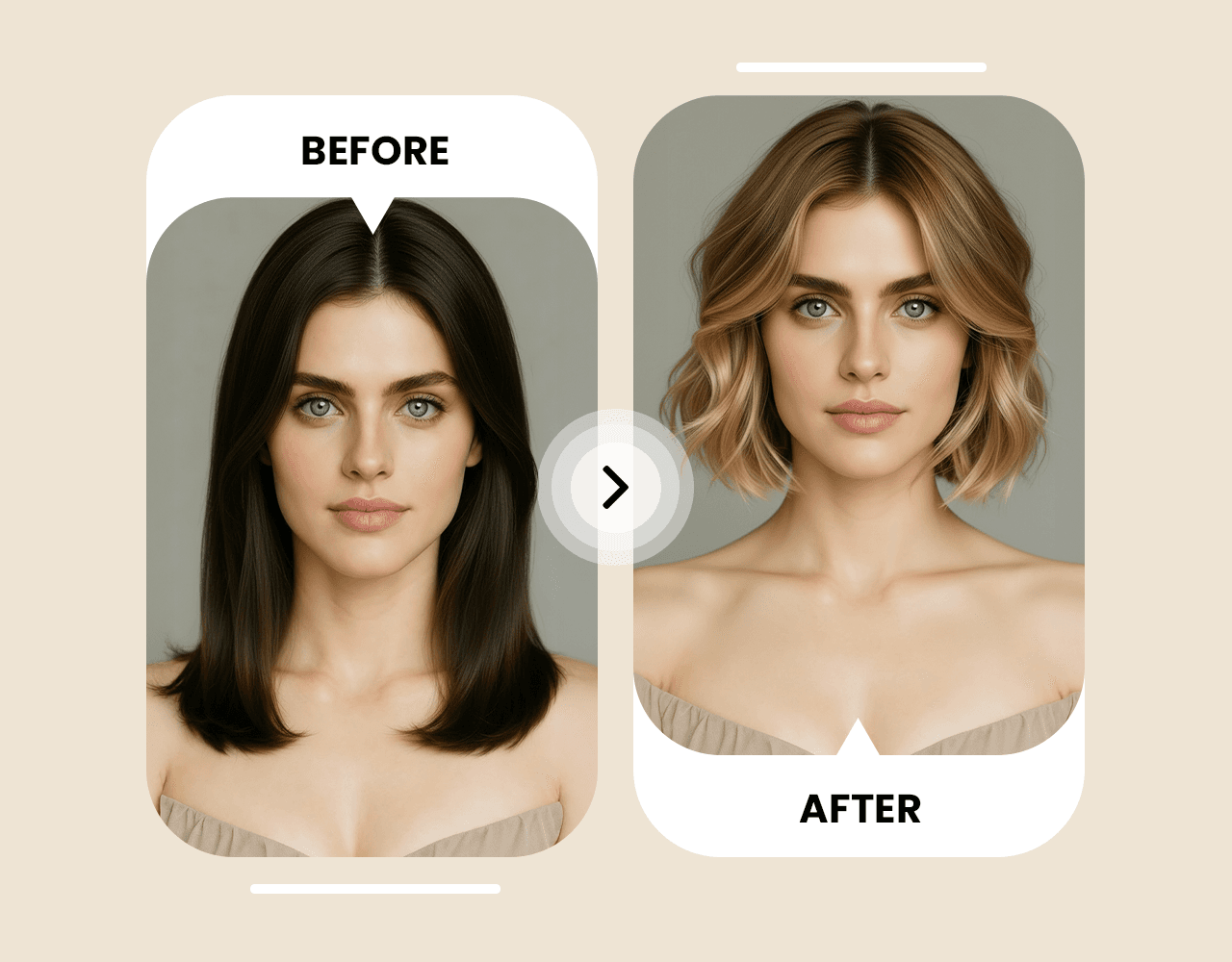
染发前先看效果。Picoo AI 换发色可帮助你试自然发色、挑染、高光、渐变与大胆配色,预览更真实。
建议使用清晰、正脸、光线充足的照片。图片质量越好,发色预览越自然准确。
用自然语言输入提示词。建议说明冷暖色调、明度、是否挑染/高光/渐变等细节。
几秒内获得更逼真的发色预览。保存喜欢的结果、分享征求意见,或继续尝试更多颜色组合。
评价
“I tried copper, ash brown, and platinum in minutes. The results look realistic and helped me pick the shade that actually matches my skin tone.”
“Way better than generic filters. I previewed subtle balayage and highlights before booking my salon appointment.”
“I was nervous about going darker. Seeing the preview first made it easy to decide, and my friends helped me vote on the best color.”
“Perfect for experimenting: vivid red, pastel pink, or natural black—everything looks consistent with my original photo.”
社区精选示例:展示常用提示词结构与关键参数,帮助你更高效地写出更真实的发色预览提示词。
Change my hair color to natural copper. Keep my facial features and hairstyle the same, photorealistic lighting, subtle shine, no artifacts.
Apply ash brown hair color with soft highlights. Preserve my original hair texture and keep the result realistic and natural.
Try platinum blonde with a clean tone (no yellow). Keep my face and hairstyle unchanged, high realism, studio lighting.
Change my hair to vivid red with slight gradient at the tips. Maintain natural strands and shadows, realistic finish.
你可以免费试用。部分高级生成与下载可能会根据套餐消耗积分。
使用清晰、正脸、光线充足且尽量无滤镜的照片,预览会更真实。
可以。在提示词中说明挑染/高光/渐变以及位置与色调,会更接近你想要的效果。
多数情况下几秒即可完成,具体取决于图片大小与当前负载。
模型会尽量保留你的原发型、发丝质感与面部特征,仅改变发色。
可以。你可以下载喜欢的结果分享给朋友,或带给发型师参考。
建议用“颜色 + 冷暖 + 工艺”的结构:例如“冷调亚麻棕,轻微脸周高光”或“中性铂金,避免泛黄,写实”。
可以。写清颜色与质感(如:鲜红、浅粉、深蓝)并强调写实/自然光照,会更真实。